
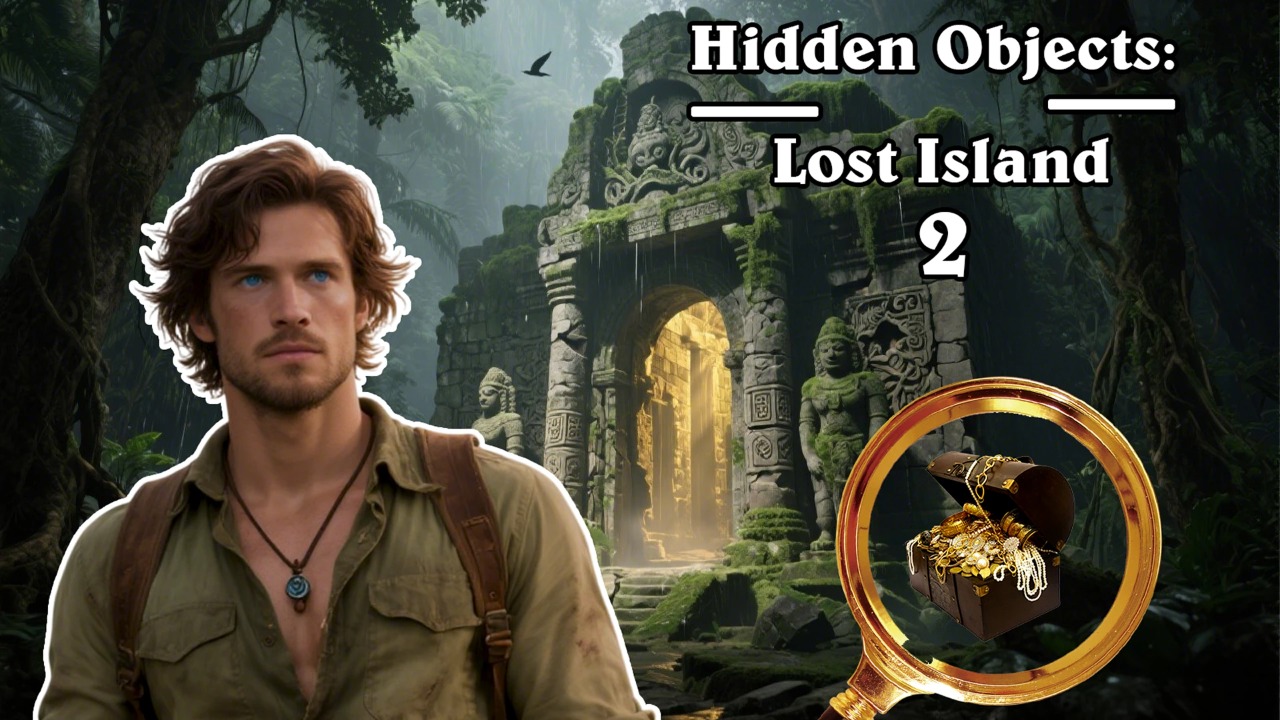

About Hidden objects Lost Island 2
An explorer, a tropical island and a temple that an ancient civilisation left to the vines. The story is a frame for what the game actually is — a series of dense, hand-painted scenes with objects buried in them — but the artwork is doing real work. Foliage, carved stone and scattered ruins give the scenes enough visual noise that finding things is properly difficult.
Locations extend well past the edges of the display, so you slide left and right through them and zoom in on details. That horizontal scrolling changes the search. You cannot take in a scene at a glance and pick out the odd shape; you have to work through it in sections and remember where you have already been.
How to play
Move across each location, zoom in where the artwork is busiest, and collect the items you have been asked to find. Clearing a scene advances the expedition and opens the next stretch of jungle, with puzzles and clues about the island’s past woven in between.
Controls
- Drag left or right to travel across a location, and use zoom to inspect a section closely. Click or tap an item to pick it up.
- Both computers and phones are supported, with pinch-to-zoom on touch and the scroll wheel on desktop.
Tips
- Zoom before you scroll. Scanning at full width and moving on is the fastest way to walk straight past what you were looking for.
- Vegetation hides more than stonework does. Give leaf clusters and undergrowth a second pass.
- Note the scene’s darkest corners early — shadowed areas are where small objects most often sit.