
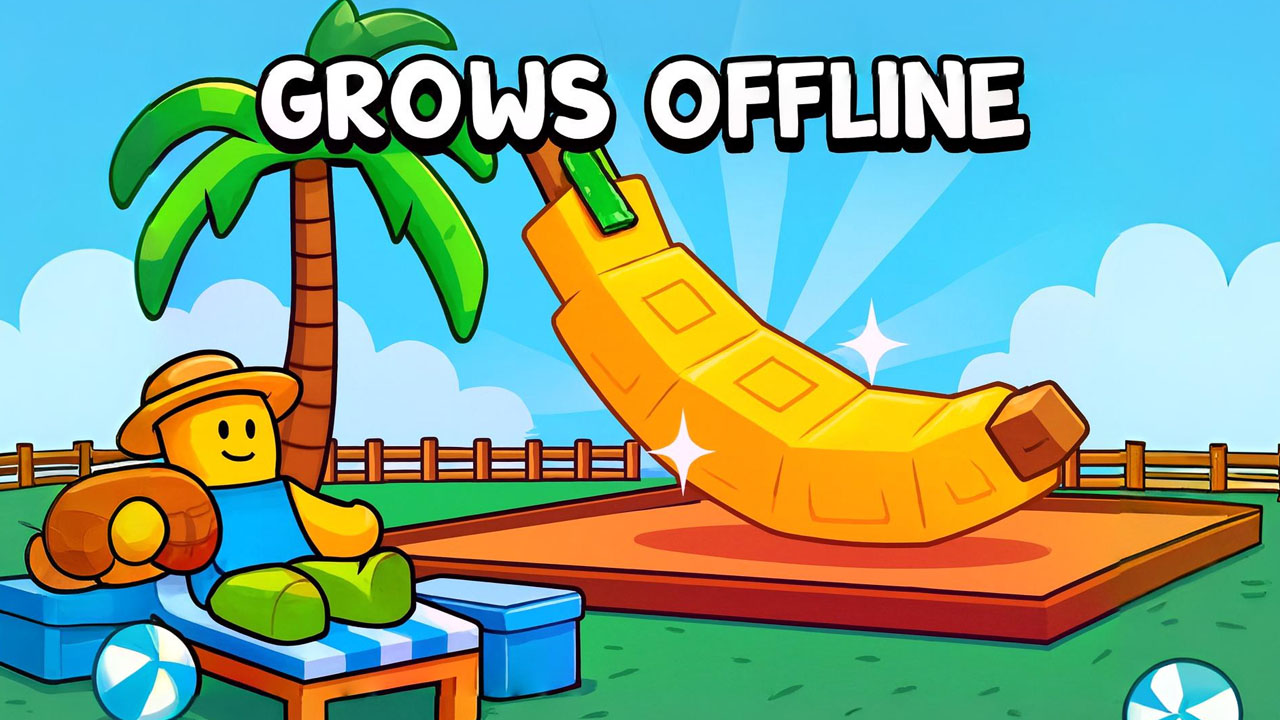
About Grow a Garden 3D
There is no threat here and nothing chasing you. You walk a plot, put seeds in the ground, and come back when something has grown. The trees lean towards the magical rather than the botanical, and the seasons rotate as you play, so the same patch of ground looks different across a long session.
An in-game tutorial walks you through the first cycle, which is welcome given the number of separate actions bound to different keys. Character customisation and a steadily widening seed list supply the long-term interest; the short-term pleasure is simply that the garden visibly fills up.
How to play
Buy seeds, plant them, wait, then collect and sell the results to afford better ones. Selling and buying happen at fixed points you walk up to, and your inventory keeps track of what you are carrying between trips.
Controls
- WASD walks. Hold either mouse button and move the mouse to look around.
- Left mouse button plants a seed, Space jumps, E interacts to buy, sell or collect, and Tab opens the inventory.
- Touch players get a joystick on the left, a drag area on the right for the camera, and buttons for planting, collecting and jumping.
Tips
- Plant in tight rows. Walking between scattered trees wastes more time than the growth itself.
- Check what a seed sells for before filling the plot with it — cheap fast crops are not always the better rate.
- Empty the inventory before a long planting run, or you will finish a lap unable to pick anything up.