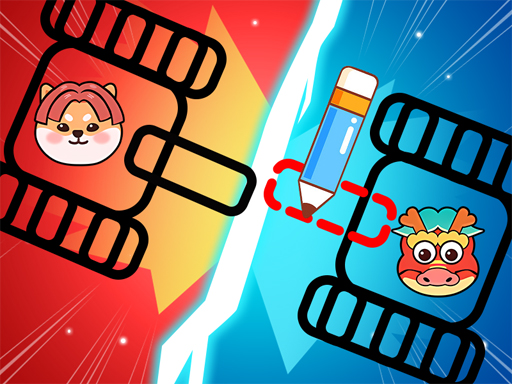
About Dragon Draw Joust
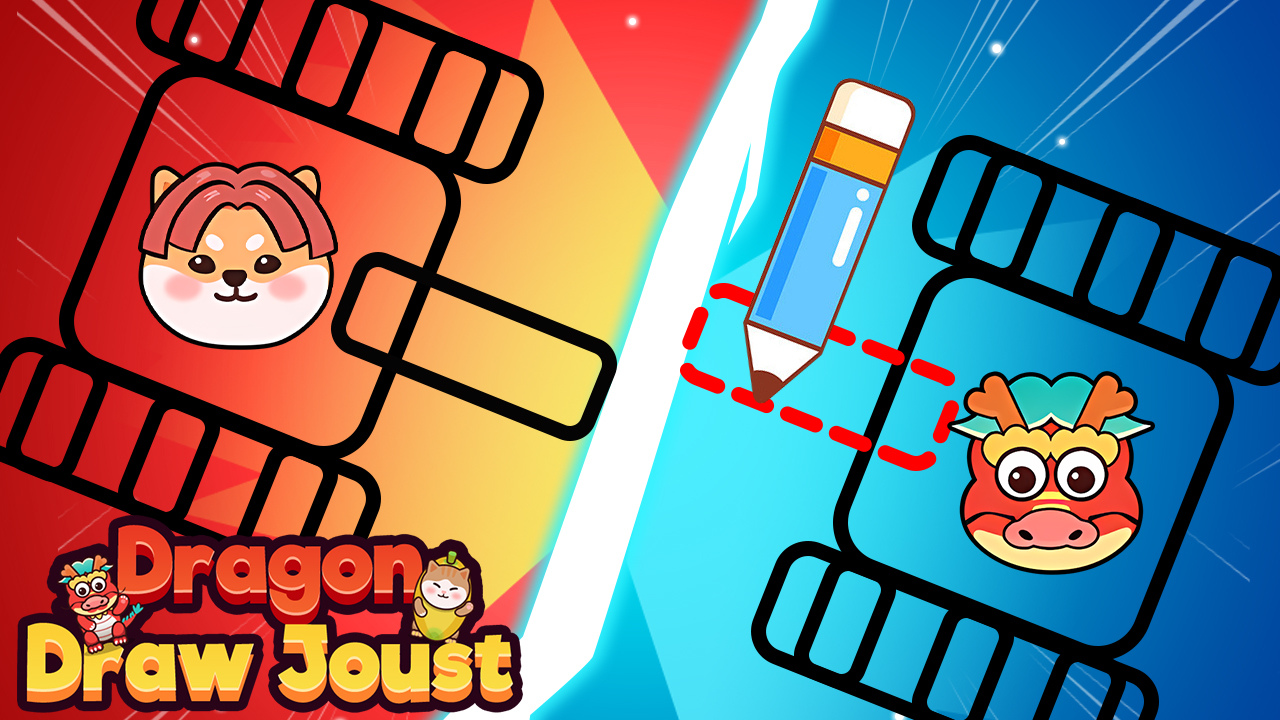
Between rounds the game hands you a blank space and a cursor. Whatever you scribble there is what your fighter walks into the arena holding. A wide flat shape behaves like a shield; a long thin one swings like a blade; anything lopsided flails in a way you did not intend and probably deserve.
That single idea carries the whole thing. Because the physics respond to the actual outline you drew rather than to a preset, two attempts at the same encounter can play completely differently, and a lot of the entertainment comes from discovering that your clever design pivots badly under its own weight.
How to play
Draw your tool at the start of a challenge, then let the fight begin. Your creation attaches to the character and takes part in the combat directly, blocking incoming attacks or striking opponents depending on how it is shaped and where it hangs. Survive the encounter to reach the next one.
Controls
- Click and hold the left mouse button, then drag to draw. Releasing finishes the shape.
- Mouse input only, with no touch build, so a trackpad or mouse is required.
Tips
- Thick shapes near the grip survive contact; thin necks snap or bend on the first solid hit.
- Symmetry helps more than size. An unbalanced drawing drags your fighter off centre before anything even connects.
- If you need defence, draw wide and low rather than tall — a high shield leaves your legs uncovered.